.svg)
| This feature is only available on the web application. |
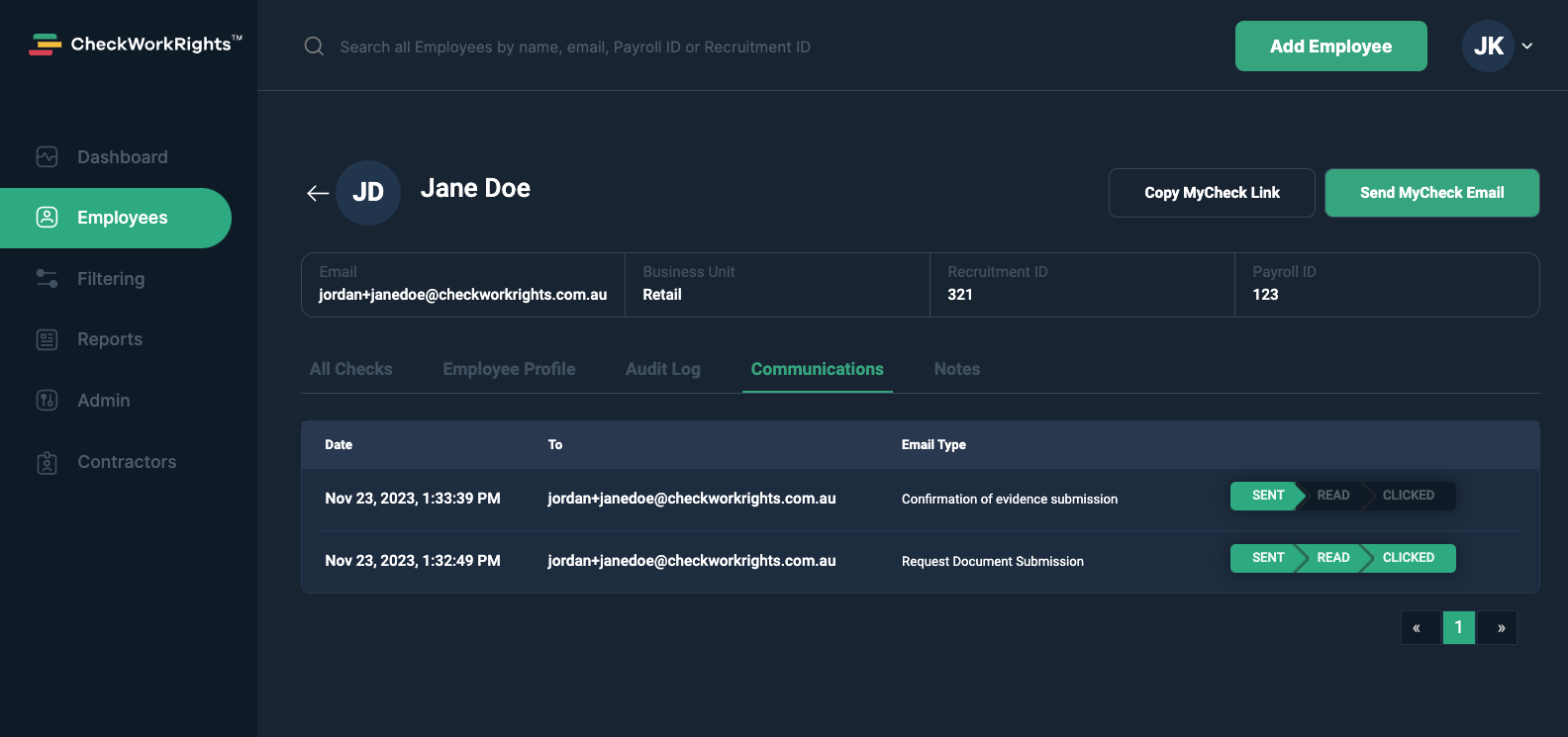
You can view an employee's interaction with all automated emails sent by CheckWorkRights after navigating to an employee's record.
On their employee record, select the Communications tab to view a complete log of every email sent to this employee by CheckWorkRights. Each email has three possible flags next to it; Sent, Read and Clicked. These flags appear green when completed.